
Fun and Free Facebook Templates | Paint the Moon Photoshop Actions

Click here to jump to the Photographer’s Guide to Facebook Timeline for Business Pages

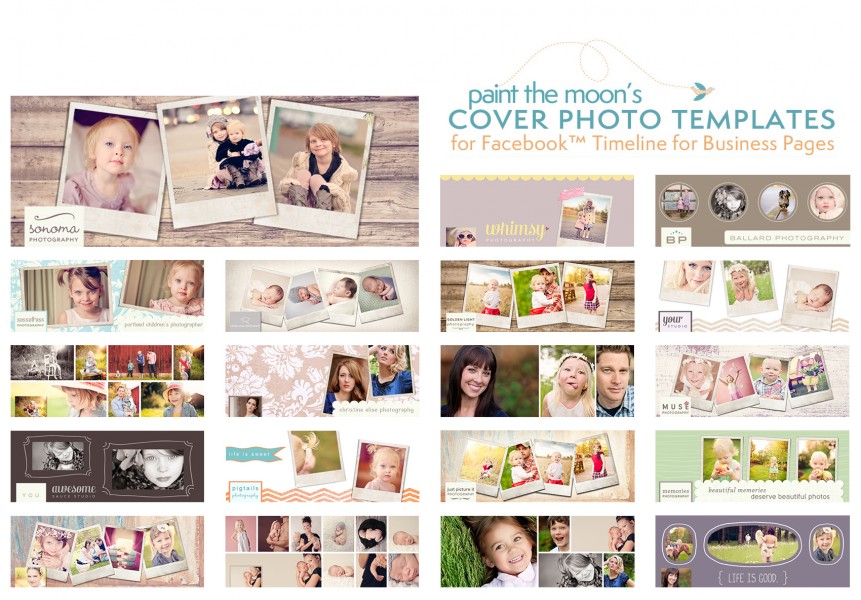

See more Facebook Timeline Covers Template video tutorials here.
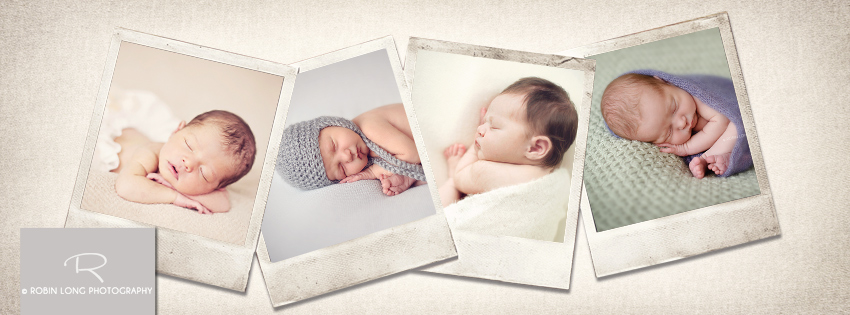
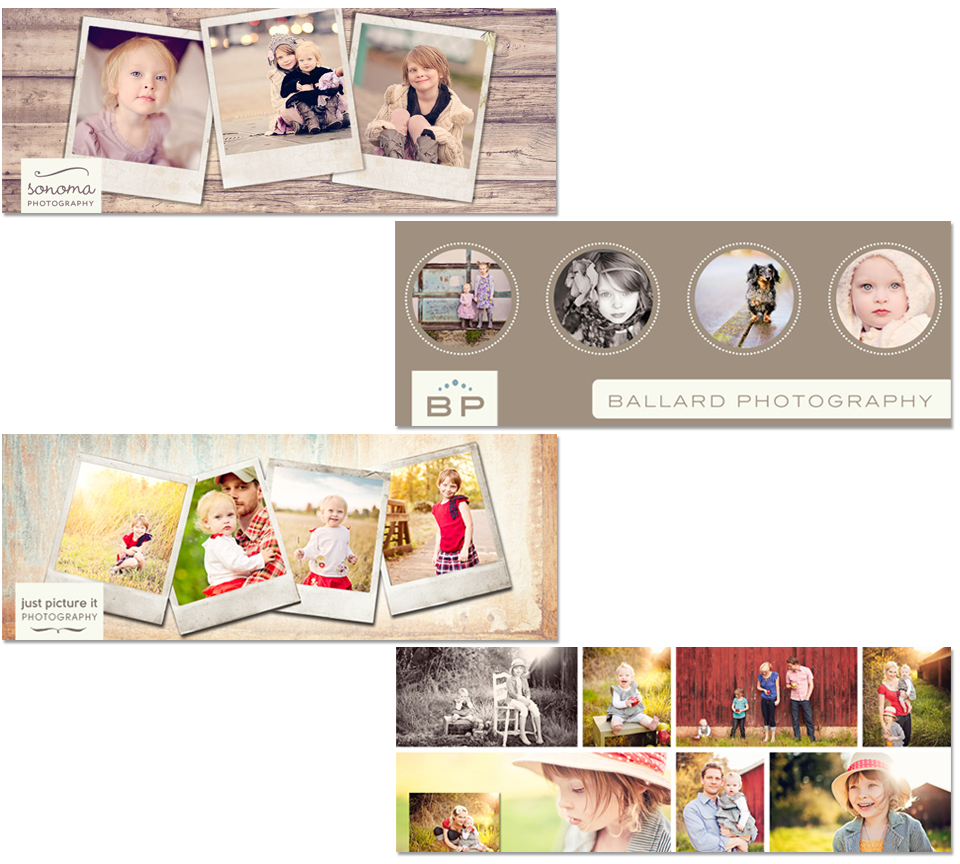


Here is a little checklist to follow with some tips while getting your new Timeline for business pages ready.
1. Upload your new cover photo. Haven’t grabbed your FREE Paint the Moon Facebook Timeline Cover Templates yet? What are you waiting for … get them here while they are available as a sampler preview for a limited time! You can use the blank “Make Your Own Template” if you wish to create yours from scratch. Be sure to read Facebook’s guidelines for cover photos to be certain you are following all the rules before posting.
2. Upload a profile photo, preferably your logo or something clearly associate with your brand. It should be simple, clean and something that stays consistent (your cover photo is the place to get “crazy” and creative when you want to switch things up). Profile images are perfectly square at 180 pixels – there is a profile photo template included with the Paint the Moon Cover Templates (you may easily change the background color as you wish). Remember that your profile image is the avatar for your business everywhere you go on Facebook – it’s seen in news feeds, ads, next to your comments and all your “stories” (in a very tiny 32 pixels square – so keep it clean and powerful).
3. Select which apps and views you’d like to appear in your apps area and arrange them as you desire. The top three apps should be the most important to your business as they will be “above the fold,” with the remainder accessible by clicking the arrow to the drop down menu.
4. Think about a plan to post daily to your page to keep your fans engaged as well as pinning a post that is most important to the top of your page every week. Be authentic, helpful, honest and kind … a little bit of humor and beauty mixed in there goes a long way too.
5. Take advantage of the new Admin Panel to monitor your Page Insights, new activity and always be timely in responding to your personal messages if you choose to have this feature turned on.
6. Add events and milestones to your Timeline to flesh it out, tell your company’s back story and create a visually interesting appealing Timeline. Also take a moment to go through photo albums and delete any past photos that you aren’t incredibly proud of. Look at the past posts and content and decide if they are building the impression you want people to have of your company. If not, delete and clean things up. You can also add past photos to your album and date them appropriately to show up on your Timeline in the correct spot,.
7. Good news for us photographers is that research shows that photos posted generate twice as much engagement versus all other types of posts. Keep your page visually appealing … even more important for the photo industry.
8. Check to see that your most important posts are checked to be “Allowed on Timeline.” You can do this from your Activity Log. Not just your own posts, but posts from fans as well … highlight glowing reviews and feedback, etc.





This is sooo cool! Thanks!
Thanks for sharing! Love it <3
Thanks so much! Love them.
It might be a silly question, I know how to use templates, but could you tell me why my profile icon on FB looks so blurred or compressed down, mainly the logo (fonts). How should I upload with full quality? It looks great in PS.
Thank you.
If you email me at [email protected] about the Facebook quality issue I’d be happy to help. 🙂
A link to my FB
htpp://www.facebook.com/profile.php?id=100000258023386
Hi, I just used your fantastic template to make a new profile pic for Around the Island’s Facebook page and I have a couple of newbie questions –
Can I choose a different photo for my avatar and keep the new one for the main profile pic on the page? If not, is there a way to determine myself how the avatar will be cropped? Right now it’s grabbed a section out of the middle that’s half one image and half another, looks quite strange LOL.
Thanks so much for these – and for the terrific instructions that went with them – they must have been a LOT of work!
My photography is available for purchase – visit Around the Island Photography and bring home something beautiful today!
Here you are, my dear! 🙂
http://www.facebook.com/photo.php?fbid=10150137094405129&set=a.425982195128.209374.82416280128
Thanks so much!! What fun!!……I have a question though, where is the video tutorial?
This is so amazing!!!
Me again – I found the cropping function and took care of that. I’d still love to find out if you know whether it’s possible to use a different photo for the avatar. Thanks!
———————————–
My photography is available for purchase – visit Around the Island Photography and bring home something beautiful today!
I don’t believe it is possible to have a different thumbnail than your profile photo. 🙁
Thank you so much for sharing this freebie! This is my 1st experience with templates. I have PSE9 and have now learned how to load the templates in like actions & also save them in a separate folder for easier access. I look forward to the tutorial so I can pull it all together, as I still can’t figure out how to get the picture in the frame :o)
thanks for sharing your wonderful talent!
Love them but not sure how to download the action, can not find the link for it 🙁
Hi, Tora! If you go to my Facebook page (click on the image or link above), under the Exclusive tab you will find how to access the download. 🙂
Thank you so much for the template, I love it! X0X0
–Thanks so much for the templates..being new to PSE, I cannot get my pictures to go into the template. I drag it under the layer in the template, and it then the original picture keeps coming up..I have ran the action to make it smaller too…any help would be greatly appreciated…
This post came up in my google reader as a new post and I got so excited but it looks like an old post here. Anyway I can still get this freebie? I would so LOVE to use these!! 🙂
Lori … You can find the under Useful Stuff > Try Us Out now! 🙂
Thank you for the templates… They are simply adorable and just what I was looking for. Thank you for continuing to offer quality products, both for free and for sale!! 🙂
love love love them