
Photoshop Actions – 52 Week Photo Project: Week 13 Wrap Up – Let's Do 52 Challenge With Paint the Moon
Thank you for all your wonderful posts … I loved all the emotion and creativity shown!
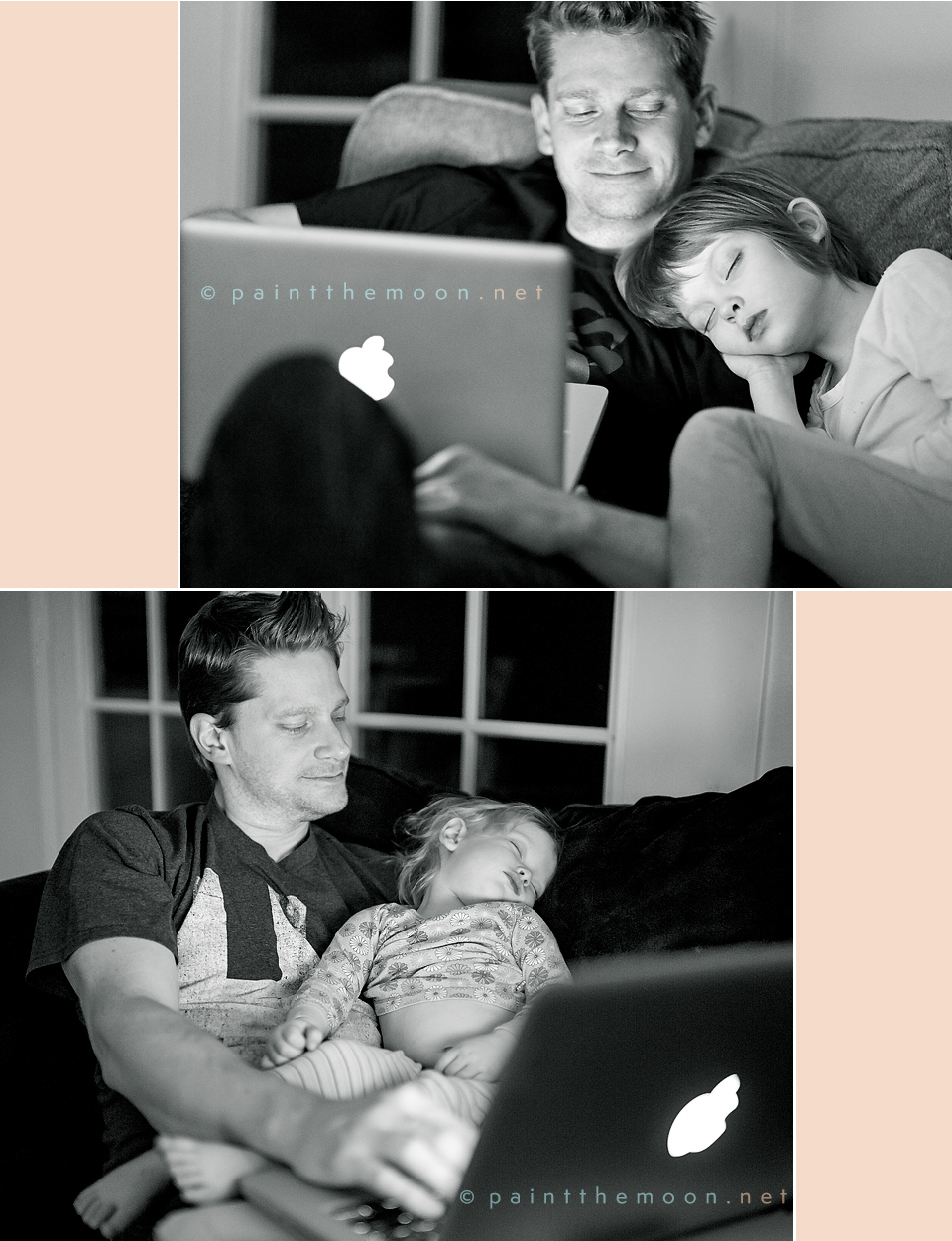
For my photo of the week I selected the theme “Get Emotional.” I can’t help but get emotional when I see my girls with their daddy … and that look on his face when they’re snuggling, sleeping with him. Here he is burning the midnight oil right along with me, we take turns with the sleeping babes (usually Miss Eliza is in my lap most of the night).



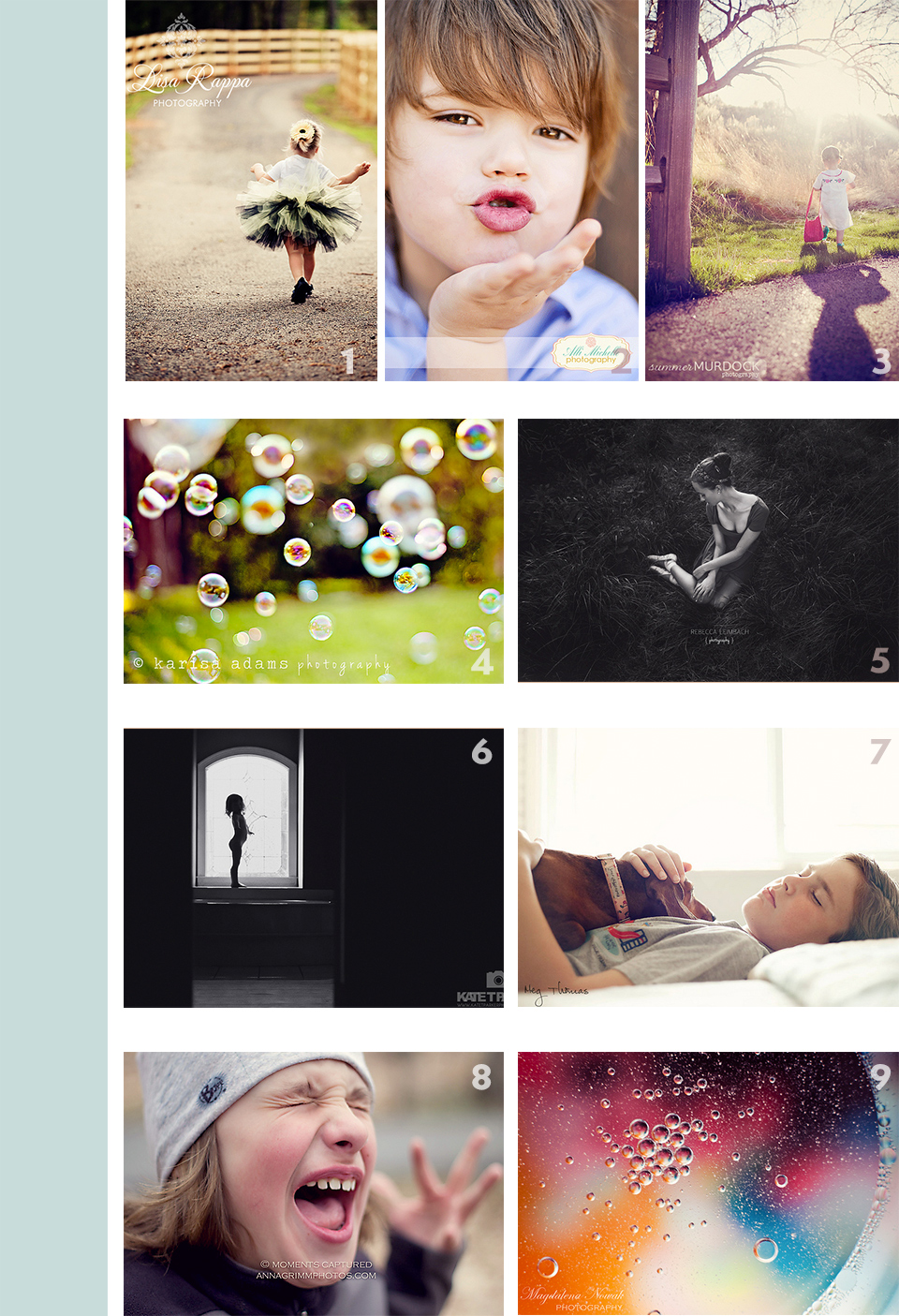
Listed below are the links to the photographer’s original images posted on Flickr. Click the corresponding numbered link below (in no particular order – note that this is not a contest or “best of”). The theme for week eleven photos was either “Get Emotional” or “Watch Out for Curves.”
1. Lisa Rappa Photography
2. Alli Michelle Photography
3. Summer Murdock Photography
4. Karisa Adams Photography
5. Rebecca Leimbach Photography
6. Kate T. Parker Photography
7. Meg Thomas
8. Moments Captured – Anna Grimm
9. Magdalena Newak Photography
The themes/ideas are below for the fourteenth week of 2012.

If you need a refresher on the guidelines and details …please see the original post for the 2012 Let’s Do 52.
• I adore all the photos being shared on the Paint the Moon Facebook page and invite anyone involved with the group to come share too!
For important Facebook page changes coming to all business pages (like it or not) by March 30th … be ready for the new Timeline with your cover photo all customized and your Timeline all prepared. Remember the Paint the Moon Timeline covers are only free for a limited time, so you’ll want to go grab them if you haven’t yet. Click here to download the new free templates.


If you missed the feature on the new FREE Beta Version of Photoshop CS6 and a spotlight on some of the cool new features check it out here!
Important Let’s Do 52 Links:
Original Let’s Do 52 Flickr Group
Original Let’s Do 52 Details (again, for us old folks)
Paint the Moon Facebook Page – Come Share, Be Inspired, Ask Questions
Let’s Do 52 – Kids Click Too! Flickr Group
Let’s Do 52 – Kids Click Too! Original Blog Post

Congrats to all the picks of the week…and Annie, your pictures again inspire me 🙂 Gee, it just makes me so darn emotional too!! 🙂
Love your photos for this week of your girls sleeping with daddy, so sweet!