Step by Step Photoshop Processing Family Portrait | Photoshop Actions Paint the Moon
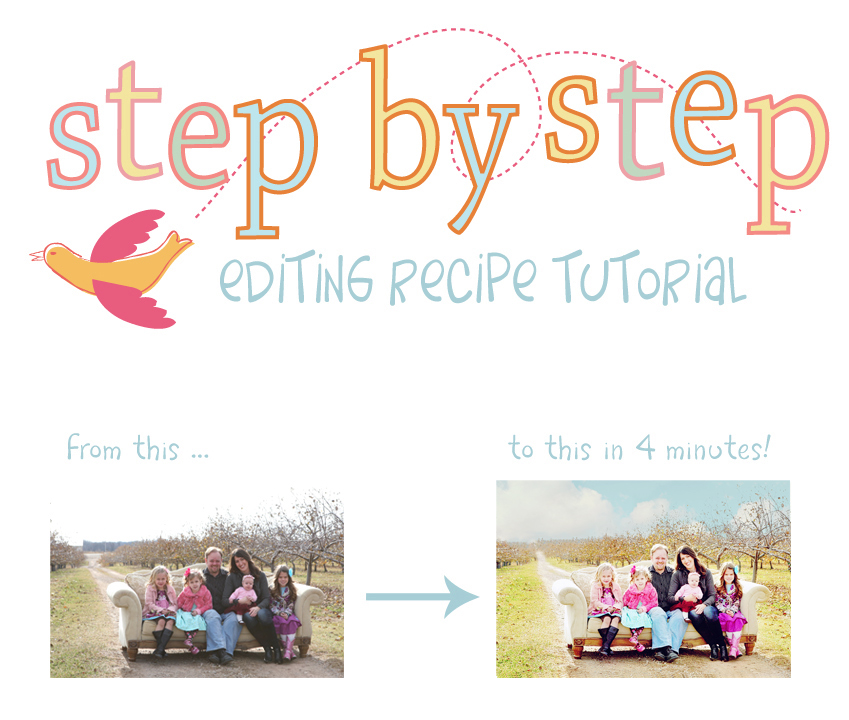
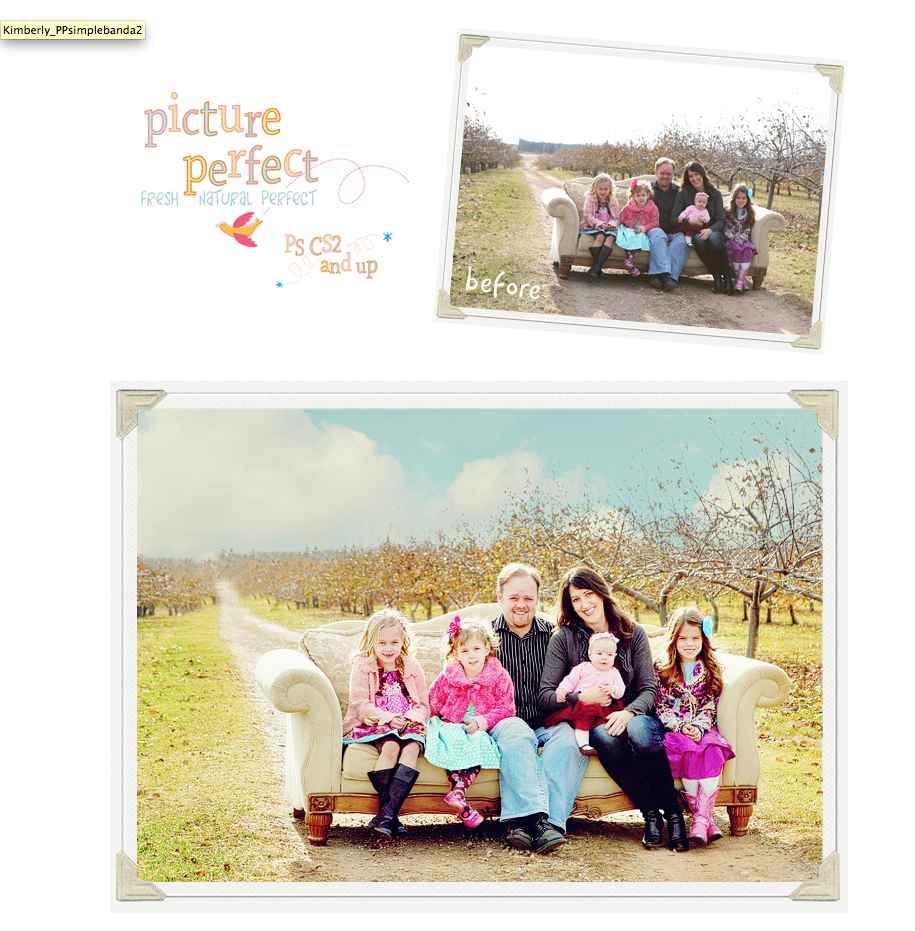
This beautiful family portrait comes to us courtesy of my dear friend, Kimberly of Kimberly V Photography. She has the sweetest little girls – four of them! So, I decided to get cheerful, bright and happy with the processing here and used mostly actions from the Picture Perfect Mega Portrait Set, with a little help from the Fresh set. It took me about four minutes total … easy peasy!
Here is the recipe …
Creamy Skin Brightener – Gives a little warmth and brightens. 100% – ran twice, flattening in between
Warm Me Back Up (Take Out Cyan and Blue) – Balances color and warms. 45%
Paint With Light – Paint lighter on faces and subjects. Some of their beautiful faces needed a little more than others, so I lowered my opacity on the brush while painting those needing less light. 45%
Bring Back Highlights – Recovers lost detail in nearly blown highlights. 35%
Pop My Flare (from Fresh Action Set) – One of my favorites for using on backlit photos to add some contrast, color and overall oomph. 40%
Paint on Color Pops – I use this to paint on vivid color everywhere but skin and hair (NEVER use this action on skin and hair unless you’re looking for the Oompa Loompa look). 35%
Velvet Retro – Adds an artistic touch with some color toning and unique tweaking. 45%
Instant Reflector – Acts like a fill light or reflector to fill in lost details in shadows, a problem that is often apparent in backlit photos such as this one. 80%
And lastly I used one action from a new set I’m working on that can help make blown skies look spectacular (with just a teensy bit of cloning around the tree line in back)!!
I’d also like to announce the winners of the Lil Blue Boo giveaway … Gayle of Gayle Vehar Photography and Jennifer Wiggins of Forty Toes. Congrats!!

OOOOH! I can’t wait to take outdoor pics (or finish my house so I can have a studio). I love how this picture turned out. It look natural and fun all at the same time.
Huge difference in the photos! The BEFORE looks dark and dreary, almost like a cold winter day. The AFTER looks bright and cheerful, like a warm summer day. Makes the pink color POP!
wow! The end result looks fabulous!
What a HUGE diffence. This is amazing!!!! LOVE the after picture.
Gorgeous! What a difference…thanks for sharing your recipes :o)
Wow. That is a great picture. Love the tweaking. So bright and crisp.